
Can Adding More Pictures Increase SEO?
Blogs
/
Blog Details
Can Adding More Pictures Increase SEO
Comments
No Comments
Author
RankSEOco
Post Date
February 7, 2026
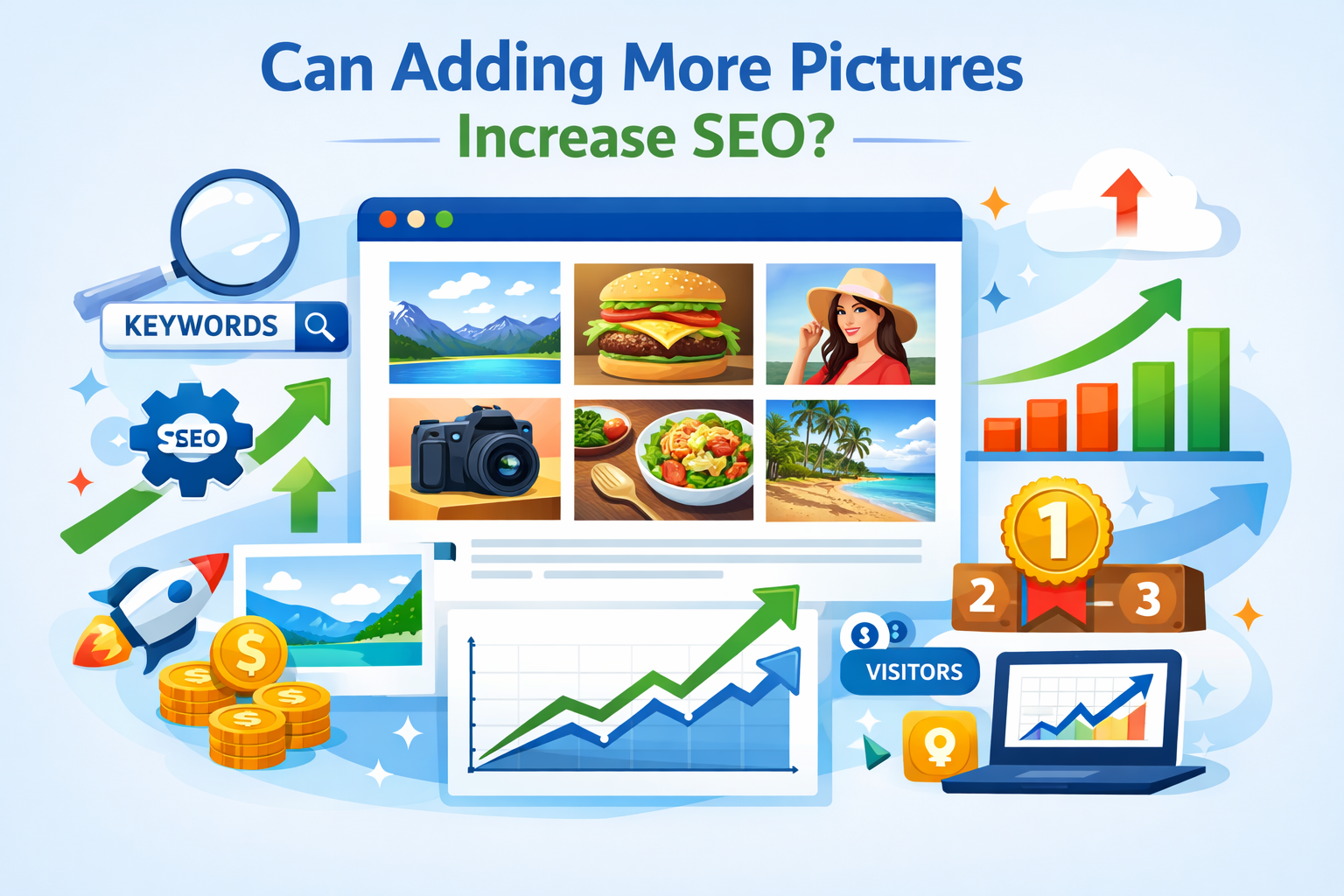


"Adding more pictures can boost SEO when each image is purposeful, optimized, and contextually relevant—visuals not only engage users but also give search engines clearer signals about your content’s value."
- Yousaf, CEO of RankSEOCo
Introduction
From my years working in digital marketing, I have seen how constant change shapes decisions for business owners and content creators, especially when it comes to adding more pictures to increase SEO. When you start using more images with intent, you often improve search rankings because visuals play a clear role in modern SEO strategies, whether the platform is a blog, a corporate website, or an e-commerce store. I have tested adding visuals for SEO not just for aesthetics but as a strategic approach built around image optimization, which directly supports online visibility, stronger user engagement, and higher conversion rates. In practice, well-planned and optimized pictures help make content discoverable and create appealing content for users while sending clearer signals to search engines. When powerful visuals align with search visibility, solid SEO strategies, and relevant image-based content, you also see gains in website performance, a more refined content strategy, and measurable progress in visual SEO.
Why Images Matter for SEO
Improved User Experience (UX)
In my day to day SEO work, I often see how walls of text can overwhelm readers, while well chosen images instantly break up content and make pages easier to scan and easier to digest. This shift directly improves improved user experience and overall UX, creating a better user experience that naturally leads to lower bounce rates and longer time on page, both of which act as positive signals for SEO when search engines evaluate page quality.
Visual Search Optimization
From a technical angle, visual search optimization has changed how we treat pictures, as tools like Google Lens and image search no longer see visuals as simple decorations. When I focus on optimized images using accurate alt text, descriptive file names, and proper sizing, those assets can rank in Google Images and bring additional traffic that standard text alone often misses.
Content Relevance & Engagement
In content audits, I have noticed how content relevance and engagement increase when a well placed chart, infographic, or product photo clearly reinforces message intent. These elements turn visitors into engaged readers who are more likely to share content, link to it, or convert, actions that indirectly boost SEO through stronger behavioral and authority signals.

How Search Engines Interpret Images
Search engines do not interpret images the same way humans do, even though their ability to understand visual content continues to improve. Instead of vision, they depend on clear supporting signals that explain what an image means and why it matters.
- Alt text → Explains the image in words. It supports accessibility for screen readers and helps search engines index the image correctly.
- File names → A descriptive, keyword-focused file name provides immediate context about the image topic.
- Surrounding text → Headings, captions, and nearby paragraphs give search engines clues about how the image relates to the page content.
When these elements work together, search engines gain stronger context, images become easier to index, and both the image and the page have a better chance to rank.
SEO Benefits of Adding More Pictures
SEO Benefits of Adding More Pictures
Adding more images to a website can significantly enhance SEO by improving both user experience and search engine understanding of your content. Well-optimized images with descriptive alt text, clear file names, and proper sizing help search engines index your pages more effectively, making your content more discoverable. Images also break up long blocks of text, making pages easier to read and scan, which reduces bounce rates and increases the time users spend on your site—both key behavioral signals that search engines consider when ranking pages. Additionally, relevant visuals can be shared across social media or appear in image search results, driving extra traffic and increasing the overall reach of your content.
Book A
Free
Consultation For Affordable SEO Services
Can Adding More Pictures Increase SEO?
Yes, strategically adding images can directly support SEO performance when done thoughtfully. More pictures, when optimized, enhance content relevance and engagement by illustrating key points, highlighting products, or reinforcing data through charts and infographics. These visuals encourage users to interact with the page, share content, or link to it, which indirectly boosts search rankings. Furthermore, a combination of alt text, descriptive file names, and surrounding context allows search engines to understand the purpose of each image, improving indexing and visibility in both standard and image search results. Ultimately, incorporating more images not only makes your site more appealing to visitors but also strengthens its overall SEO performance.
Image Optimization Techniques
Compress Without Losing Quality
From experience, one of the first steps in image optimization techniques is to compress images without losing quality. Tools like TinyPNG, ShortPixel, and the WebP format help reduce file size, creating smaller images that load faster and improve page speed. This not only enhances Core Web Vitals but also gives a noticeable SEO boost by keeping your site responsive and user-friendly.
Choose the Right Format
Choosing the proper format is crucial. JPEG works best for photos, while PNG is ideal for graphics with transparency. Modern formats like WebP and AVIF offer excellent compression and superior image quality, supporting overall SEO optimization. Selecting the right format ensures your visuals look sharp while minimizing load times.
Write Descriptive Alt Text
Creating descriptive alt text is essential for accessibility and search engines. Use short alt text, make it clear, and keep it keyword relevant. For example, instead of generic names, describe the scene: Sydney car wash exterior with staff cleaning SUV. This approach makes images SEO-friendly and ensures all users, including those using screen readers, can understand the content.
Optimize File Names
Optimizing file names is another simple yet effective tactic. Use hyphens, avoid underscores, and create descriptive file names like pharmacy interior Sydney rather than default names like IMG_1234. JPG. Clear file names help with search engine indexing and provide a subtle but meaningful SEO signal.
Use Captions (When Relevant)
Adding captions can enhance content clarity and user engagement, especially when the text complements the image. Relevant captions provide context, reinforce keywords, and support natural keyword use, delivering a clear SEO benefit while making the page more enjoyable to read.
Implement Lazy Loading
Implementing lazy loading ensures images load on scroll, which improves page speed, particularly on mobile devices. This technique contributes to mobile optimization, faster load times, and better Core Web Vitals, resulting in improved UX and overall SEO performance.
Add Structured Data (If Applicable)
Finally, adding structured data through schema markup for products, recipes, or videos can make images appear in rich results. Following guides like the image SEO guide from Surfer SEO enhances search visibility and supports enhanced indexing, giving your images an additional edge in search rankings.
Book A
Free
Consultation For Affordable SEO Services
How to Optimize Images for SEO
- Use clear and descriptive alt text to explain the content of each image.
- Optimize file names with relevant keywords instead of generic names.
- Choose the right image format for the content (JPEG for photos, PNG for graphics, and WebP/AVIF for modern compressed images).
- Compress images to reduce file size while maintaining quality to improve page speed.
- Include captions where appropriate to provide context and reinforce key messages.
- Implement lazy loading so images only load when visible, enhancing page performance.
- Apply structured data (schema markup) for products, recipes, or videos to appear in rich results.
Mistakes to Avoid ( Can Adding More Pictures Increase SEO )
- Using generic or irrelevant alt text that doesn’t describe the image.
- Leaving images with default camera or system file names.
- Overloading pages with large, unoptimized images that slow down site speed.
- Adding images without supporting text or context, making it harder for search engines to index.
- Ignoring mobile optimization, causing slow load times on smaller devices.
- Keyword stuffing in alt text or file names, which can negatively impact SEO.
- Neglecting captions that could clarify the image’s relevance to the content.
How Many Images Should You Use
Determining the right number of images for your content depends on the context, purpose, and audience. In a blog post, for example, you want to break up long blocks of text to keep readers engaged, but too many images can overwhelm or distract. A good rule of thumb is to include one image for every 300–500 words, using visuals that directly support or illustrate your points. Charts, infographics, and photos should add value rather than serve as filler.
For presentations, images help maintain attention and emphasize key ideas. Here, balance is key: aim for one clear, relevant visual per slide or concept, avoiding clutter while keeping the material visually stimulating. Marketing materials, such as social media posts or email campaigns, often benefit from bold, eye-catching visuals, but each image should have a purpose—whether driving a call to action or highlighting a product feature.
Ultimately, consider your audience and the content’s length. Ask yourself if each image adds clarity, context, or engagement. Thoughtful placement ensures that visuals enhance understanding without compromising readability, creating a polished and professional presentation that keeps your audience focused and interested.
Conclusion (Can Adding More Pictures Increase SEO?)
Effectively optimizing images is more than just a visual enhancement—it is a strategic way to improve SEO, user engagement, and overall website performance. By using descriptive alt text, clear file names, appropriate formats, captions, lazy loading, and structured data, your images become accessible, contextually meaningful, and easier for search engines to index. When applied thoughtfully, these techniques ensure that visuals not only enrich the user experience but also strengthen your site’s search visibility, making every image a valuable asset in driving traffic and supporting long-term SEO success.
Book A
Free
Consultation For Affordable SEO Services
# FAQs
SEO & Image Optimization FAQs: Can Adding More Pictures Increase SEO


Yes, optimized images enhance SEO by improving user engagement, accessibility, page speed, and search engine indexing, making content more discoverable and attractive in search results and image search.
The 80/20 rule means 80% of SEO results come from 20% of high-impact efforts, focusing on top-performing keywords, content, backlinks, and technical optimizations for maximum ranking impact.
Use images under 200 KB for faster load times, balance quality and compression, and scale dimensions to fit page layout without slowing down performance.
Optimize photos with descriptive alt text, relevant filenames, appropriate file formats, compression for fast loading, captions, and structured data to enhance indexing and user engagement.
JPEG is better for photos due to smaller file sizes, while PNG works for graphics and transparency. Both optimize SEO when compressed and correctly tagged.
Yes, AI images are effective if unique, relevant, optimized with alt text and filenames, and enhance user experience without violating copyright or reducing page speed.
Rank images by using descriptive filenames, alt text, captions, structured data, fast-loading formats, and embedding them in relevant, high-quality content for indexing and visibility.
Use WebP for modern websites due to high compression and quality, JPEG for photos, and PNG for graphics or transparency, ensuring all formats are optimized for speed and SEO.
Related Blogs

Why Proxy-Checker Is the Go-To Tool for Proxy Verification
What is a Proxy Checker? Blogs / What is a...
Fsi Blogs Us: Guide for Developers and Digital Agencies
FSI Blogs US Strategy for Developers and Digital Agencies Home...